Build Dataflow Dashboards in Python
panel-flowdash is a framework for building visual, dataflow-driven dashboards with Panel. Define components with typed ports, wire them together, and persist layouts to SQLite.
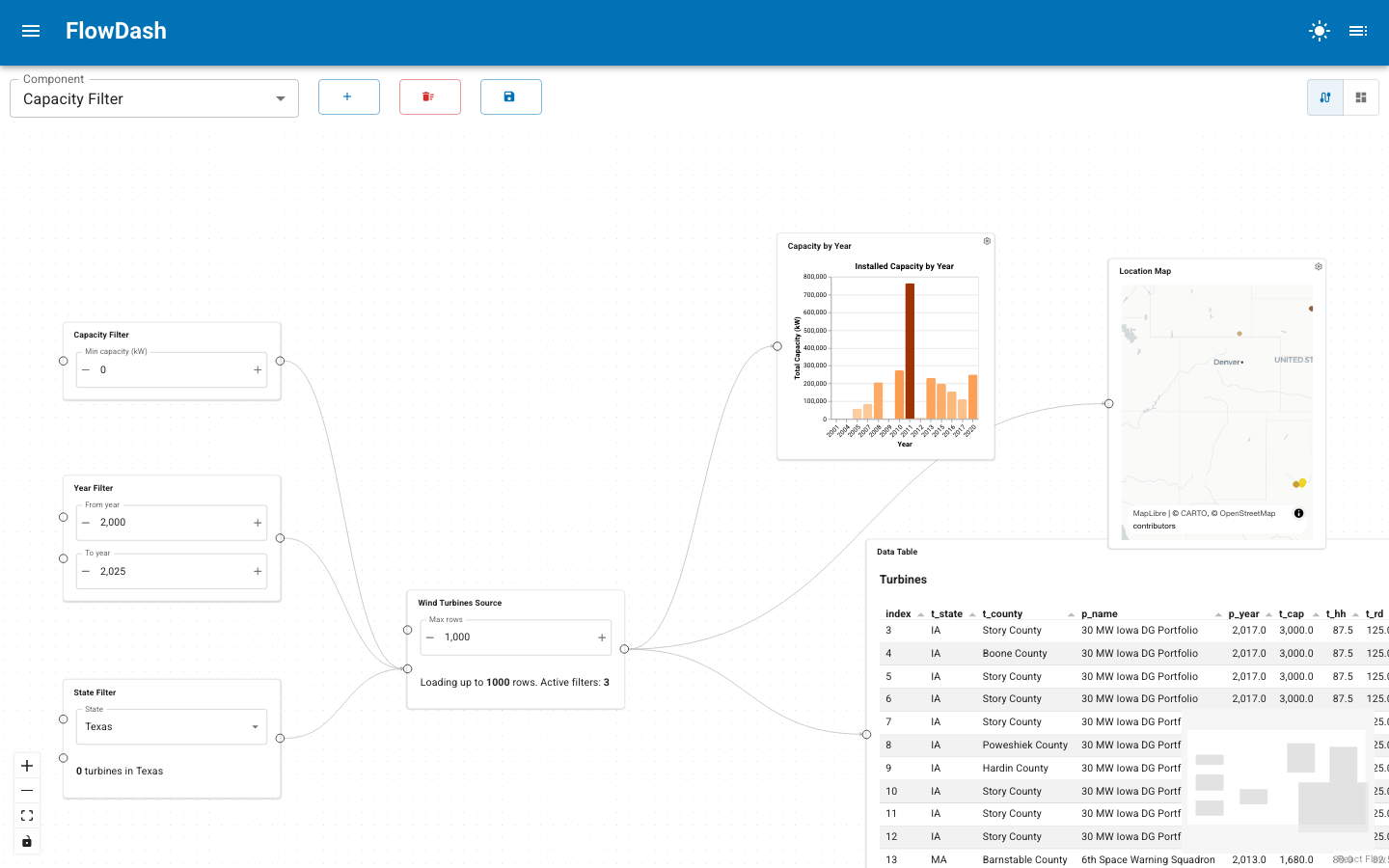
Quick Demo
New to FlowDash? Try the quickstart →
Why FlowDash?
- Component-first architecture: define reusable building blocks with
@registeror as Viewer subclasses. - Typed dataflow: ports carry type information for compile-time and runtime validation.
- Visual wiring: connect components in a node editor, with cycle detection and single-source enforcement.
- Persistence: dashboard layouts, edges, and grid positions are stored in SQLite.
- One command to serve:
flowdash serve my_project/scans, registers, and launches. - Or no command at all: embed the
FlowDasheditor in an app you are already building.
Quickstart
from panel_flowdash import register

@register(component=True, provides=[{"key": "ticker", "type": "str"}])
def app(config):
    import panel_material_ui as pmui
    return pmui.Select(name="Ticker", options=["AAPL", "GOOG", "MSFT"])
How-to guides
- Register Components - the
@registerdecorator and Viewer classes - Define Ports - typed inputs and outputs for dataflow wiring
- Configure Nodes - design-time configuration and custom editors
- Wire the Dataflow - connecting components with validation
- Layout & Sizing - dashboard mode, sidebar components, and responsive tiles
- Persist Dashboards - SQLite storage for layouts and edges
- Serve a Project - the
flowdash serveCLI - Embed the Editor - using
FlowDashprogrammatically, without the routing