Turn an OpenAPI Schema into a Working UI
panel-openapi reads an OpenAPI document and builds a Panel form for any operation in it: a widget per parameter, a request on submit, the response rendered.
Point it at a spec, a path and a method. It works out the inputs from the schema, so there is no form to write, no request to assemble, and nothing to keep in sync when the API changes.
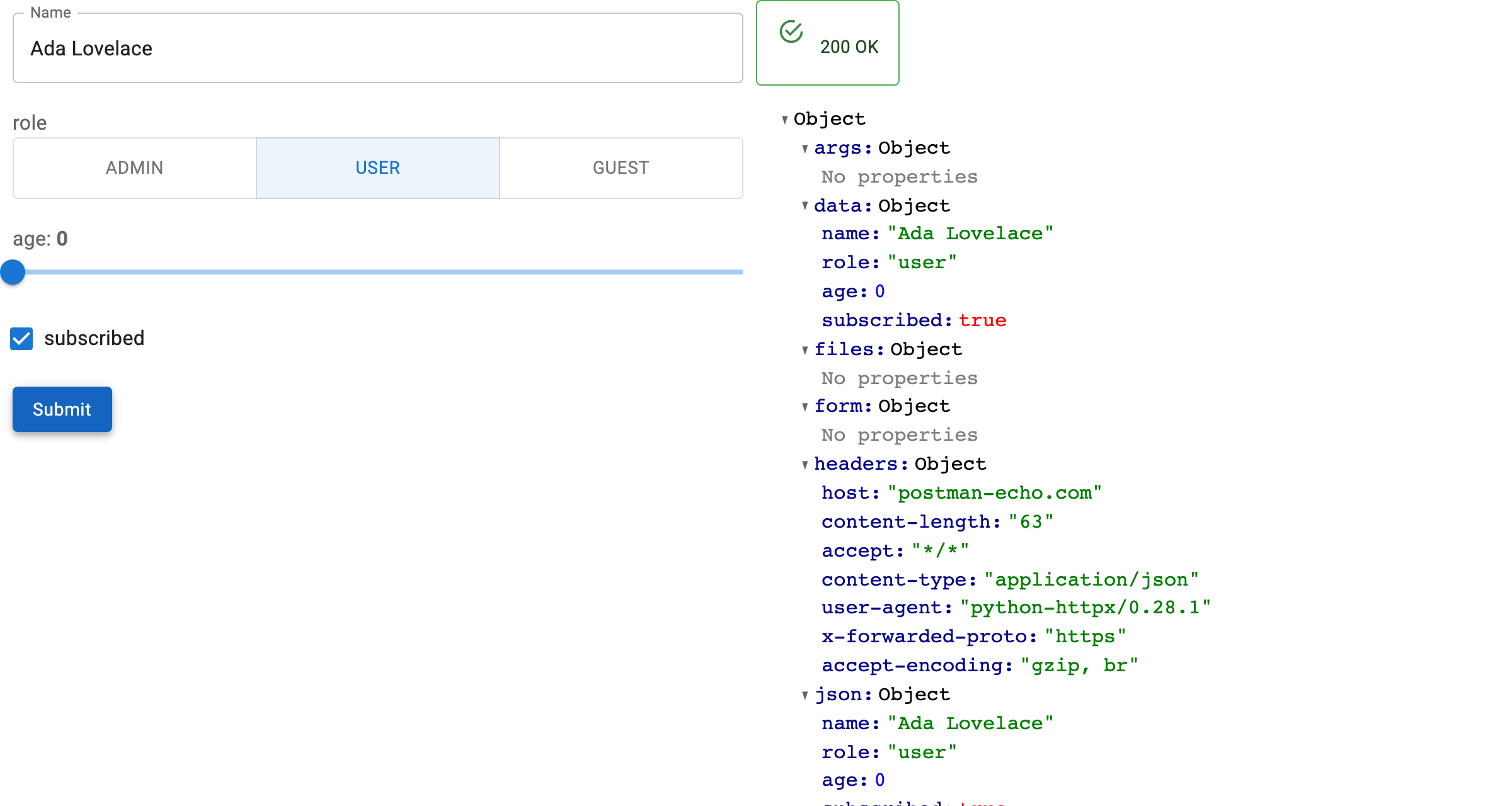
Two minutes to a working form
New here? Start with the quickstart →
Why panel-openapi
- No form code: every path, query, header and body field becomes a widget.
- Any spec source: a URL, a dict, or a FastAPI app's
api.openapi(). - Real requests: submit issues the call and renders the response.
- Reactive targeting: set
pathormethodand the form rebuilds itself. - Record editing:
OpenAPIRecordEditorloads a record from aGETand sends the changes to the matchingPATCH/PUT/POST. - Yours to rearrange:
formandresponseare plain Panel containers, and the introspection helpers are public if you would rather build it yourself.
Quickstart
import panel as pn

from panel_openapi import OpenAPIForm

pn.extension()

form = OpenAPIForm(
    "https://petstore3.swagger.io/api/v3/openapi.json",
    base_url="https://petstore3.swagger.io/api/v3",
    path="/pet/{petId}",
    method="get",
)

form.servable()
How-to guides
- Build a Form — the three things
OpenAPIFormneeds - Load a Specification — URL, dict, or a live FastAPI app
- Understand Widget Mapping — which schema makes which widget
- Switch Operations — one form, any operation
- Authenticate Requests — headers, and swapping them at runtime
- Read and Submit Values — inspect, populate and submit from code
- Edit Records — load a record, edit it, send it back
- Customize the Layout — place
formandresponseyourself - Build Your Own Form — use the introspection helpers directly
Examples
- Examples gallery — the runnable scripts in
examples/